
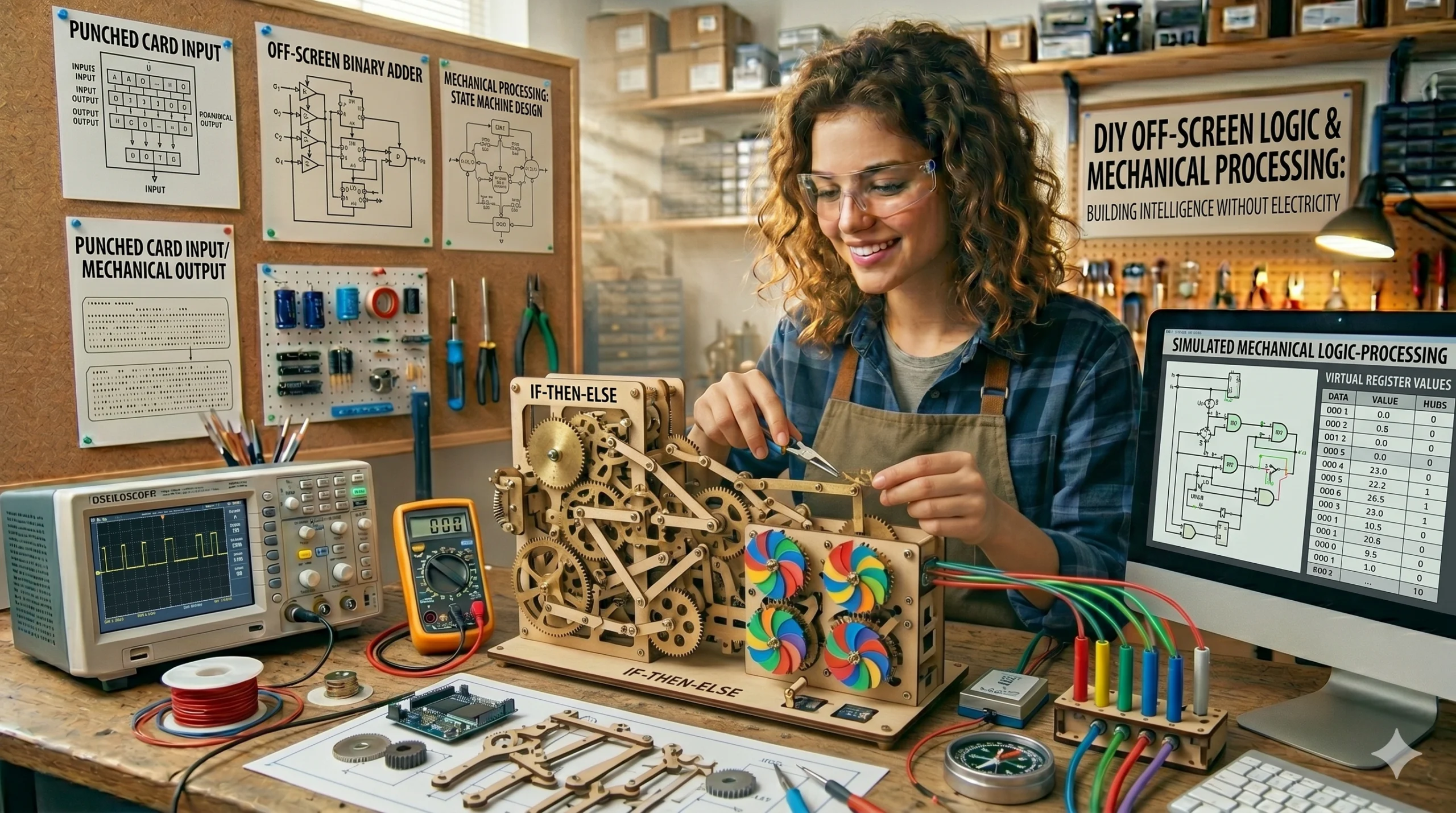
In this chapter, we step away from digital screens to explore the physical architecture of logic. Computing is not inherently electronic; it is a system of processing information through defined rules and states. By building “Mechanical Computers,” children learn how abstract math becomes physical action, mastering the concepts of Binary, Logic Gates, and Data Storage.
This guide focuses on “Hardware Logic”—understanding the “thinking” process of a machine by building its physical equivalent.
1. The “Marble” Logic Gates: Physical Decision Making
At the heart of every CPU are Logic Gates. You can engineer high-quality “Tipping Buckets” to demonstrate how an AND or OR gate works using gravity and marbles.
The Build:
- The Frame: A vertical pegboard or wooden frame with angled tracks.
- The Gates: Small balsa wood “switches” that tip when a marble hits them.
- The AND Gate: Set two switches in a row. The marble only reaches the “Output” if both switches are flipped correctly.
- The Science: This teaches Boolean Logic. The child realizes that “Logic” is just a physical path that information (the marble) takes based on specific conditions.
2. The “Binary” Abacus: Base-2 Mathematics
Computers don’t count to ten; they count to one. You can engineer a Binary Abacus to teach children how to translate our decimal world into the language of machines.
Engineering the Code:
- The Rig: A wooden base with 8 vertical dowels.
- The Bits: Each dowel has exactly one bead. “Up” is 1 (On), and “Down” is 0 (Off).
- The Values: Label the dowels from right to left: $1, 2, 4, 8, 16, 32, 64, 128$.
- The Logic: To represent the number 5, the child flips the “4” bead and the “1” bead up. This teaches Positional Notation and the foundation of all digital data.
3. The “Punch-Card” Loom: Early Data Storage
Building on our “Master Weaver” article, we can look at how the textile industry invented the first Read-Only Memory (ROM).
The Setup:
- The Reader: A stiff piece of cardstock with a grid of holes.
- The Program: Use a hole punch to create a pattern.
- The Interaction: When placed over the loom’s “Heddle” threads, the holes allow certain threads to be lifted while the solid card blocks others.
- The Insight: This is Automated Patterning. The child sees that a “Program” is simply a physical template that dictates how a machine behaves.
4. The “Water” Transistor: Fluidic Logic
In high-end engineering, “Fluidics” uses liquid to perform the same jobs as electronic circuits. This project demonstrates how a small signal can control a large flow.
The Build:
- The Components: Clear vinyl tubing, T-junctions, and syringes.
- The Gate: A small valve that is opened or closed by the pressure from a secondary “control” syringe.
- The Science: This is a Mechanical Transistor. When the control syringe (the Base) is pressed, it allows water to flow from the reservoir (the Collector) to the output (the Emitter). This is the exact logic used in the silicon chips of your mobile devices.
5. The “Logic Net” Taxonomy: Mapping the Algorithm
To conclude the lab, the child creates a Flowchart for a daily task, such as making tea or starting a game level.
The Protocol:
- The Nodes: Use the “Symmetrical Block Prints” to create icons for “Start,” “Input,” “Decision,” and “End.”
- The Path: Connect the icons with lines. A “Decision” node (like “Is the water boiling?”) must have two paths: Yes and No.
- The Skill: This is Algorithmic Thinking. The child learns that any complex problem can be broken down into a series of simple, logical steps—the same way you design the technical design documents (TDD) for your studio’s projects.
Computing Standards and Safety
- System Reset: Teach the child that every mechanical computer needs a “Clear” state. After every calculation, the marbles and beads must return to their “Zero” positions.
- Precision Alignment: In mechanical logic, a “jam” is a system crash. Use your surveyor’s tools to ensure every track and gate is perfectly aligned.
- Abstracting the Physical: Remind the child that while we use marbles and water, a computer uses electrons because they are faster and smaller, but the rules of logic remain exactly the same.
Summary of Computing Concepts
| Project | Concept | Machine Equivalent | Skill Developed |
| Marble Gates | Boolean Logic | Logic Gates (AND/OR) | Decision Architecture |
| Binary Abacus | Base-2 Math | Machine Code | Numerical Translation |
| Punch-Card Loom | ROM Storage | Data Files / Scripting | Program Execution |
| Water Transistor | Signal Control | Silicon Transistor | Control Systems |
| Logic Net Map | Algorithms | Source Code / TDD | System Optimization |
Final Thoughts: The Ghost in the Machine
By building these mechanical systems, your child realizes that “Computing” isn’t a magic trick performed by a screen; it’s a physical process of following rules. They have learned to see the logic hidden in the world around them.